
Understand your technology
Business IT Health Check for UK Organisations
A business IT health check gives you a clearer view of your devices, accounts, Microsoft 365, cyber security, backups and network. Symstar Technology helps you identify practical IT priorities before small weaknesses become bigger business problems.
Prefer to talk? Call 07859915621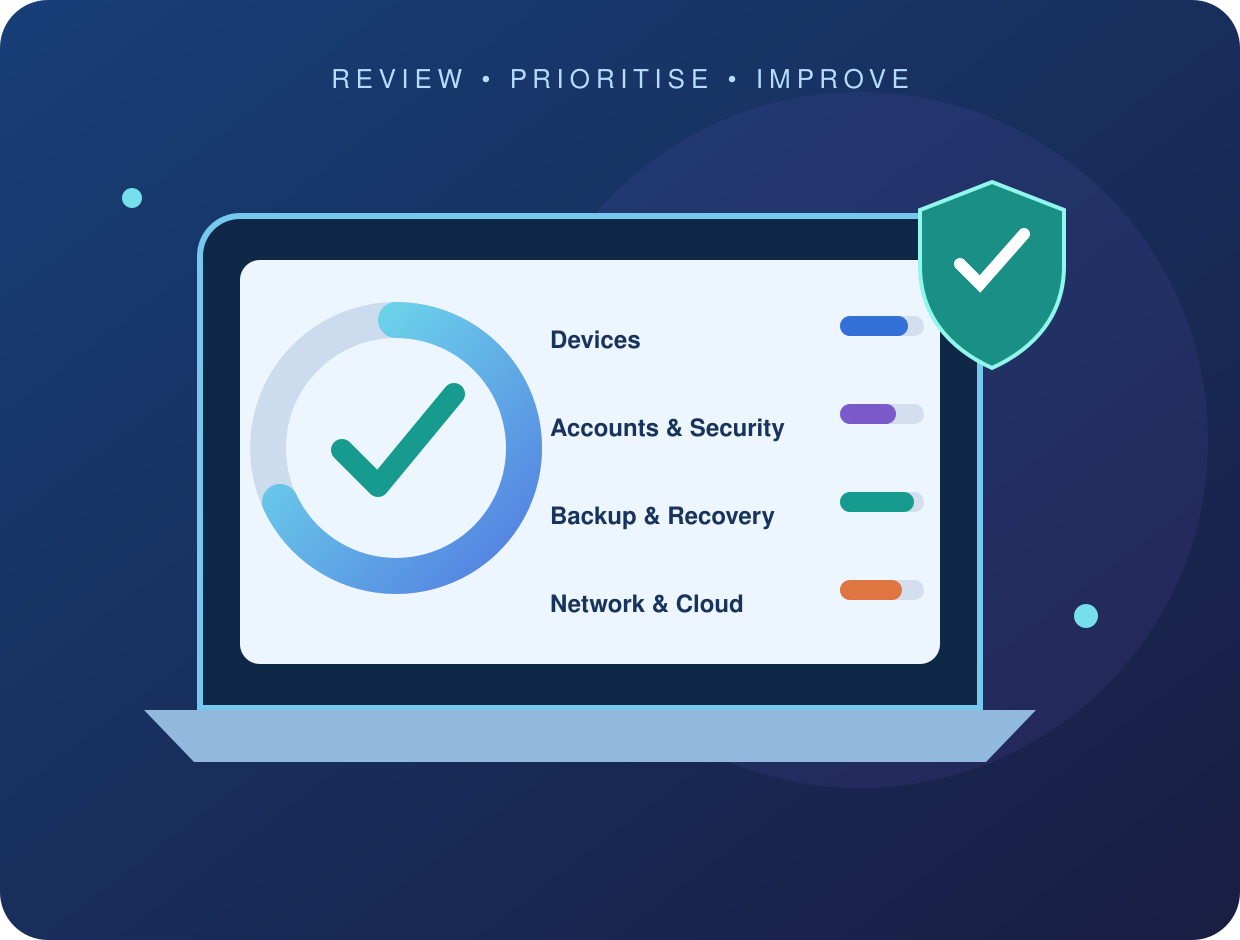
See the bigger picture
Know What Is Working—and What Needs Attention
Technology often grows one device, account or cloud service at a time. Without a regular review, businesses can lose sight of old user access, unsupported equipment, inconsistent backup coverage and undocumented dependencies.
An IT health check brings these areas together. We agree the scope, gather evidence and explain the most important observations in plain language, helping you decide what to address first.
When a health check may help
- You are unsure what equipment or services you rely on
- Your business has grown or changed working practices
- You are moving office or changing IT provider
- Recurring faults are affecting productivity
- Backup and recovery responsibilities are unclear
- You want a practical technology improvement plan
Six important areas
What Our Business IT Health Check Can Review
The exact checks depend on the agreed scope, available access and your technology environment. We do not make changes to live systems without separate authorisation.
Devices & Software
Review an agreed sample or inventory of computers, operating systems, applications, update practices, warranties and ageing equipment.
Accounts & Access
Examine user lifecycle practices, administrator access, multi-factor authentication and processes for starters, movers and leavers.
Microsoft 365 & Cloud
Review agreed Microsoft 365 services, licences, sharing arrangements and important configuration areas within the available scope.
Cyber Security
Consider endpoint protection, patching, email security, access controls, user awareness and incident-response arrangements at a practical level.
Backup & Recovery
Identify important data, current backup coverage, retention, monitoring, recovery priorities and any obvious gaps that require further testing.
Network & Support
Review key network components, Wi-Fi, internet dependencies, documentation, support routes and recurring technical issues.
Proportionate and useful
A Clear Review, Not a Box-Ticking Exercise
Your organisation may not need every available tool or the most expensive technology. Recommendations should reflect the size of the business, the information you hold, how your people work and the impact of downtime.
We distinguish urgent concerns from sensible improvements and longer-term projects. Where deeper specialist testing or legal advice is needed, that requirement should be identified rather than implied to be included.
Your Business IT Health Check Report
- Executive summary
- Key IT observations
- Priority action list
- Risk and impact context
- Quick improvements
- Longer-term roadmap
- Technology dependencies
- Suggested next steps
Your proposal will confirm the exact checks, deliverables, exclusions and whether remediation is included.
A straightforward process
How a Business IT Health Check Works
Discovery
Discuss your business, concerns, technology, locations and the outcome you need.
Agree Scope
Define the systems, access, checks, exclusions, timetable and deliverables.
Review
Gather agreed evidence, speak with relevant people and document observations.
Prioritise
Explain the findings and agree which next steps should be considered first.
From Findings to Practical Improvements
A report only creates value when people understand what to do next. Recommendations can be grouped by urgency, business impact, effort and dependencies so decision-makers can plan improvements sensibly.
Any remediation, procurement, migration or ongoing support is quoted separately unless it is expressly included in the agreed health-check scope.
Useful Before Growth or Change
A health check can support planning before an office move, Microsoft 365 project, change of IT provider, recruitment drive or expansion to new locations. It can also help establish a baseline after a period of rapid change.
For guidance on common cyber security basics, visit the NCSC Small Organisation Guide.
Your questions answered
Business IT Health Check FAQs
What is a business IT health check?
It is a structured review of agreed technology areas such as devices, accounts, Microsoft 365, networks, backups, security controls and support arrangements. It identifies observations and practical priorities but is not automatically a formal compliance audit or penetration test.
What does the IT health check cover?
Coverage is agreed before work begins. It may include an asset overview, account and access practices, Microsoft 365 settings, patching, endpoint protection, backup arrangements, networks, documentation and business continuity dependencies.
Is an IT health check the same as a cyber security audit?
No. A general IT health check provides a broad operational and security overview. A formal cyber security audit, vulnerability assessment, penetration test or certification-readiness exercise has a different scope and may require separate specialist work.
Will the health check disrupt our business?
The review is planned to reduce unnecessary disruption. Some checks may require administrator access, short staff discussions or agreed testing windows. Any change to a live system should be separately authorised.
What will we receive after the review?
The agreed deliverable may include an executive summary, key observations, prioritised recommendations, dependencies and suggested next steps. Exact report detail and any remediation work should be confirmed in the proposal.
How often should a business review its IT?
Frequency depends on organisational change, risk, contractual requirements and the technology environment. A review can also be useful after rapid growth, a move, a major system change, a security incident or a change of IT provider.
How much does a business IT health check cost?
Cost depends on the number of users, devices, sites, cloud services, technical complexity and reporting depth. Symstar can define the scope first and provide a quotation for the review and any separately approved remediation.
Related IT Services
Start with a clearer picture
Request Your Business IT Health Check
Tell Symstar about your users, devices, cloud services and current concerns. We can help define an appropriate review scope and practical next step.
On this page
Business IT health check planning guide
Set priorities for a business IT health check

Start with the business problems you want the review to clarify. These might include recurring device faults, unreliable connectivity, uncertain account ownership or questions about backups. A business IT health check should have an agreed purpose and scope rather than try to assess every possible system at once. Ask the colleagues who use the technology where work is being delayed or interrupted. Identify the services most important to day-to-day operations and the person who can approve the review. Clear priorities help make the findings relevant and give any follow-up work a practical starting point.
Record the systems your team uses
List the main devices, business applications, cloud services and locations involved in everyday work. Identify which systems are managed internally and which depend on another supplier. A business IT health check can use this information to agree the areas for review and recognise dependencies between services. Include equipment used by remote colleagues and any important information kept only on individual devices. The aim is a useful business record, not a collection of passwords or private files. A clear inventory helps distinguish the agreed assessment from specialist systems or tasks that may need separate input.
Understand device ownership and upkeep
Record whether devices belong to the business or individual users, and who is responsible for their configuration and maintenance. Older equipment, inconsistent setups and unclear ownership can make routine support harder to coordinate. A business IT health check may raise questions about device upkeep within the agreed scope, including how changes and updates are managed. Explain which applications staff need and whether equipment is due to be replaced. Any recommendation should relate to the business task and the systems affected. Replacement purchases or configuration work should be scoped separately before the organisation commits to them.
Review account responsibilities
Identify who owns business accounts, who administers them and who authorises access changes. This is particularly useful when staff and several providers share responsibilities across email, applications and devices. A business IT health check should help clarify relevant questions about access within its agreed areas of review. Avoid treating shared passwords as an adequate record of ownership. Explain the process for new starters, leavers and role changes, and note any accounts whose purpose is unclear. Proposed changes need approval from the appropriate business contact and coordination with the people who currently manage the service.
Networks and connectivity requirements

Describe how the office and remote staff connect to the systems they need. Note whether problems affect Wi-Fi, wired devices, internet access or a particular application. A business IT health check can consider connectivity concerns according to the agreed scope and the equipment involved. Identify important suppliers and who can contact them when a service fails. For planned improvements, explain the premises, user count and areas with poor coverage. A recommendation should distinguish business requirements from a guessed equipment solution, with any onsite work, purchases or changes agreed separately from the review.
Business email and collaboration tools
Explain how colleagues use email, meetings, shared documents and other collaboration tools. Include common faults or confusion about where information should be stored. A business IT health check may reveal questions about licences, account setup, ownership or configuration that affect everyday work. The actual products and settings in use should be identified before recommendations are made. Keep private mailbox content and documents out of the initial enquiry. If another supplier administers the service, involve them where needed so that the assessment recognises existing responsibilities and any implementation work can be coordinated through the right contact.
Identify important business information
Ask each team where it keeps the information needed to do its work. Important files may be spread across shared folders, cloud applications and individual devices. A business IT health check should consider that reality when discussing access and recovery requirements. Identify owners, duplicated copies and locations that staff are unsure about. The review does not require every private record to be copied into an enquiry. A useful overview can help define the scope and reveal questions that need further assessment, such as who controls a folder or whether a recovery arrangement covers the data.
Backup and recovery questions
Discuss which information or systems would be needed first after a disruption, and what the current recovery arrangements are intended to cover. A business IT health check can help identify review questions about backup ownership, checks and testing within the agreed scope. Synchronising files or keeping a spare device is not automatically a complete recovery plan. Ask who investigates a failed backup and who can approve restoration work. Any recommendation should describe the requirement and relevant dependencies. Additional backup services or restoration tests need a defined scope rather than an assumption that they are included in the initial review.
Reviewing routine security processes

Describe how the business handles updates, account changes, suspicious messages and access approvals. A business IT health check can help discuss practical security concerns in relation to your systems and working arrangements. The review should identify which areas were assessed and what needs separate investigation. Avoid assuming that a general assessment is a guarantee that every risk has been eliminated. Staff need a clear route to report concerns, and the business needs to know who can respond. Follow-up changes should have an agreed purpose, approval and testing plan appropriate to the services affected.
Remote and flexible working needs
Staff working away from the office may use different networks, devices and methods of reaching business information. Explain which equipment is included in the business support arrangement and who manages personal devices. A business IT health check can consider remote-working concerns according to its agreed scope, rather than assume that every home network or application is covered. Identify recurring access problems and the tasks affected. Any proposed improvement should recognise the users, accounts and connections involved. Clear boundaries help separate an account or configuration task from work that needs another provider or a different support arrangement.
Recurring faults and operational impact
Keep a short record of repeated problems, including the users affected, when the fault occurs and how it interrupts work. Note any pattern around updates, locations, equipment or busy periods. A business IT health check can use that information to make the discussion more specific and identify what needs deeper investigation. A single symptom does not establish its cause. Recommendations should be supported by the review findings and the requirements of the business. If further diagnosis, replacement equipment or a project is needed, define that follow-up work separately before treating it as the agreed solution.
Coordination with specialist suppliers
Many organisations use specialist applications whose configuration and support are managed by another provider. Identify those services, their business owners and the route for obtaining assistance. A business IT health check should recognise where the agreed review ends and where specialist input is needed. Clarify who can authorise changes and who is responsible for testing business functions afterwards. A useful assessment can identify a dependency without assuming control of the supplier’s system. Clear coordination reduces duplicated work and helps the organisation understand which recommendations can be progressed internally, through Symstar or with an existing provider.
Make findings useful to decision-makers
Ask for findings to explain what was observed, why it matters and what the business needs to consider next. A business IT health check should relate recommendations to your priorities rather than present every possible improvement as equally urgent. Some items may be straightforward, while others need further information, another supplier or a separately scoped project. Record those distinctions clearly. The person making the decision should understand the expected outcome, dependencies and likely impact of a proposed change. This helps the business choose an appropriate order of work without treating a review report as automatic approval for implementation.
Prioritise a practical improvement plan
Review the findings with the people who own the affected systems and business processes. Decide which issues need immediate attention and which improvements can be planned later. A business IT health check is a starting point for that discussion, not a commitment to replace every system mentioned. Consider cost, user impact, dependencies and the work needed to test a change. Give each agreed action an owner and a way to check completion. Where the scope changes or another service is needed, confirm the proposal and charges separately before assuming that the review appointment includes the additional work.
Testing and handover after changes
A proposed improvement should have a practical way to verify that the intended task works and that affected colleagues can continue their normal activities. A business IT health check may recommend follow-up changes, but implementation, testing and training should be identified in the agreed work. Explain deadlines or service dependencies before a schedule is arranged. Record any remaining faults and who will deal with them. A useful handover describes what was changed and what users need to do next, with administrative credentials kept separate from ordinary guidance and clear contact routes for further questions.
Keep the review current
Business systems change as colleagues join, equipment is replaced, services move and suppliers are updated. Keep an accessible record of the important systems, ownership and unresolved actions from the review. A business IT health check should reflect the environment assessed at the time, rather than be treated as a permanent description of every later configuration. Decide when significant changes should trigger another discussion. Previous findings can help distinguish completed work from new requirements and make a later review more focused. Any further assessment or implementation should have a separately agreed scope suited to the current business.
Request a business IT health check
Tell Symstar about the users, devices, locations and main systems involved, together with the concerns you want to understand. Include a suitable business contact and identify any existing support provider. A business IT health check enquiry can begin with a clear overview without private documents, passwords or sign-in codes. If there is an active outage or suspected security incident, explain that separately so the appropriate response can be discussed. The review scope, availability and charges are confirmed before work begins, with any proposed implementation or additional service agreed separately.