
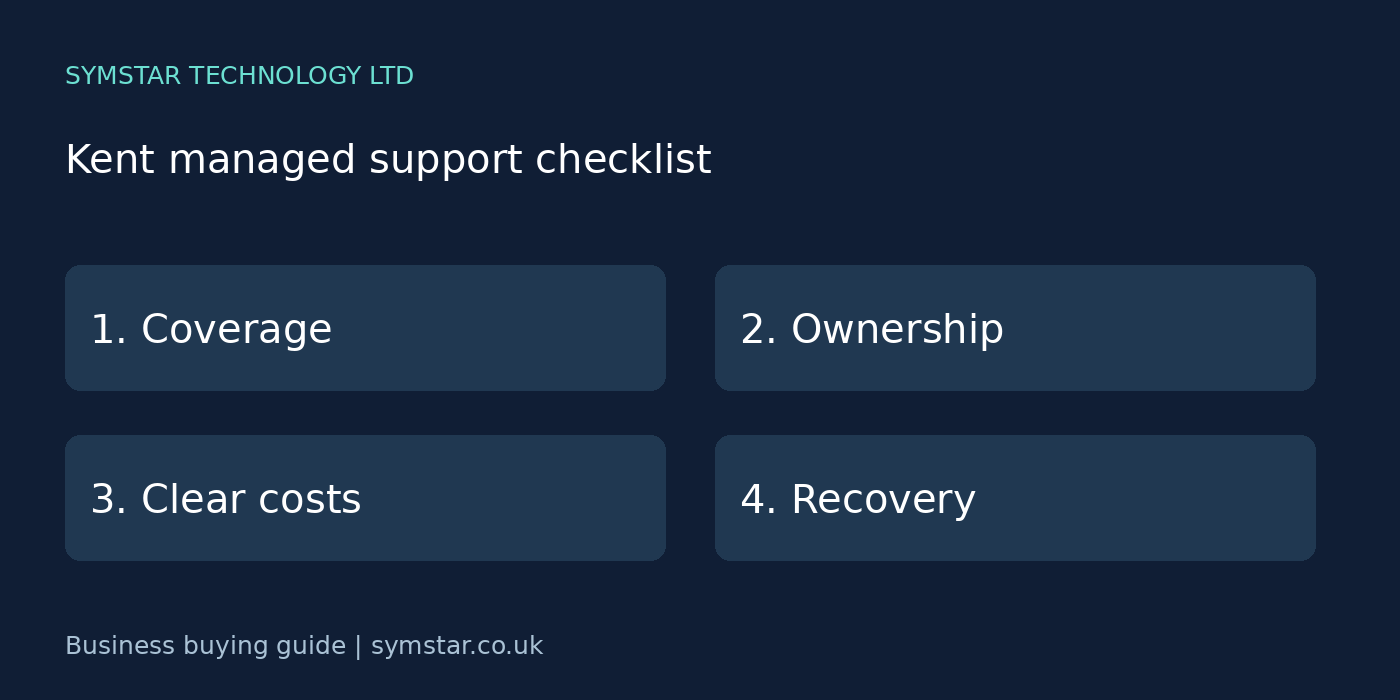
Managed IT support in Kent should provide clear responsibility for everyday technology and a practical plan for interruptions. Before comparing contracts, decide which services matter most to your staff and customers. This checklist helps you ask useful questions without needing to become an IT specialist.
Looking for a provider as well as a checklist? Explore Symstar’s IT support service for Kent businesses, including remote help and onsite visits by arrangement. Tell us about your workplaces and support requirements so we can discuss an appropriate scope.
On this page
1. Describe your Kent business and locations
List your workplaces, normal opening hours and the staff who work from home or travel. A single-office business has different requirements from a team using several branches. Include any seasonal changes that affect staffing or equipment.
If you operate in places such as Maidstone, Ashford, Sevenoaks or Tunbridge Wells, name the actual locations when requesting a quote. Those locations are examples for planning; onsite availability should be confirmed for your specific address.
2. Define who is responsible for each service
Ask who takes responsibility for user requests, device health, Microsoft 365 administration and supplier coordination. The word managed can describe very different arrangements. A written scope lets you compare what each provider will actually deliver.
Identify services that remain with another supplier, such as line-of-business software or internet connectivity. Agree who gathers evidence and coordinates a response when a problem involves more than one company.
3. Check the support process before you sign
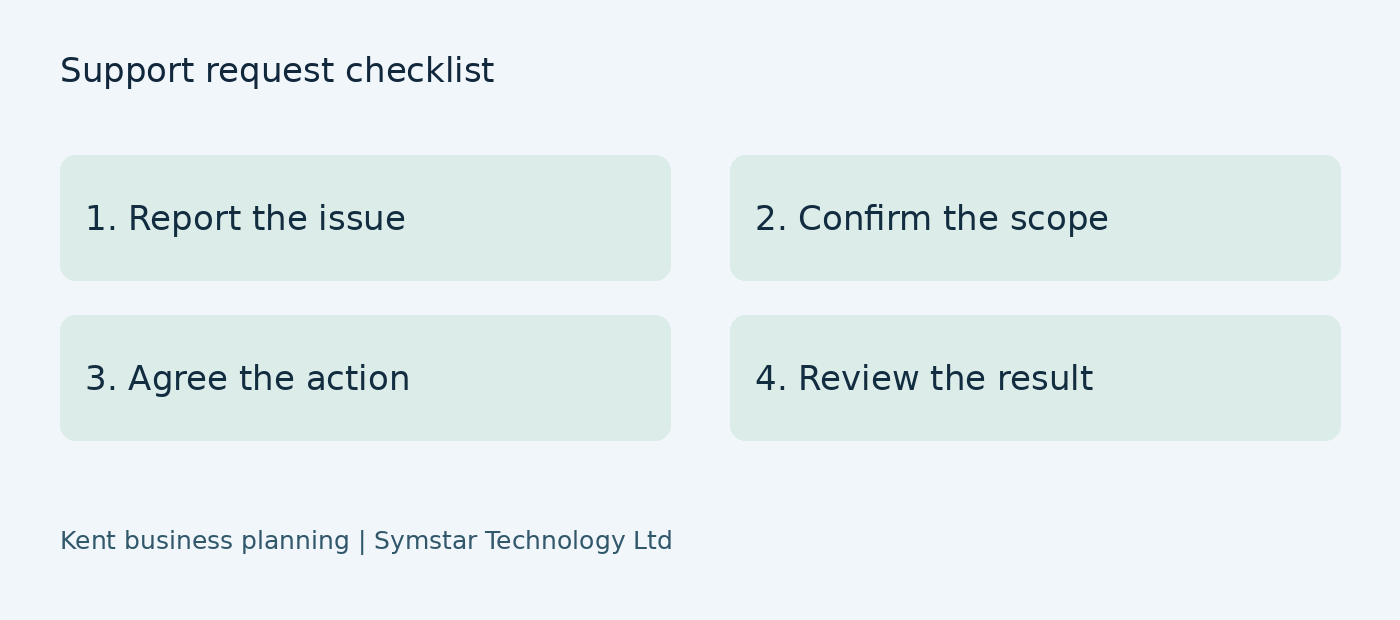
Staff should know how to report a problem, what details to provide and how to follow progress. Ask whether requests are logged centrally and how urgent issues are prioritised. Confirm the agreed service hours and the procedure outside those hours.
Review escalation arrangements for a major outage. Ask who updates your business contact, how often updates are provided and what happens when the usual contact is unavailable. Clear communication reduces confusion during an incident.
4. Agree when onsite assistance is needed
Remote support is useful for many software and account issues. Hardware faults, cabling changes and local network problems can require physical work. Ask how visits are scheduled and whether travel, labour and replacement parts are charged separately.
Explain access arrangements for your premises, including keys, reception hours or site restrictions. If attendance is essential to your operation, make the required coverage explicit in the contract instead of relying on general advertising.
5. Review practical security responsibilities
Discuss account protection, supported software, endpoint security and the process for staff joining or leaving. Ask who approves changes to sensitive access and how administrator permissions are controlled. Controls should match business risks and the systems in use.
A support agreement does not automatically establish regulatory compliance or a certification. If you need a particular standard, ask what preparation and evidence the provider can support, and what your organisation must still do itself.
6. Make recovery a business decision
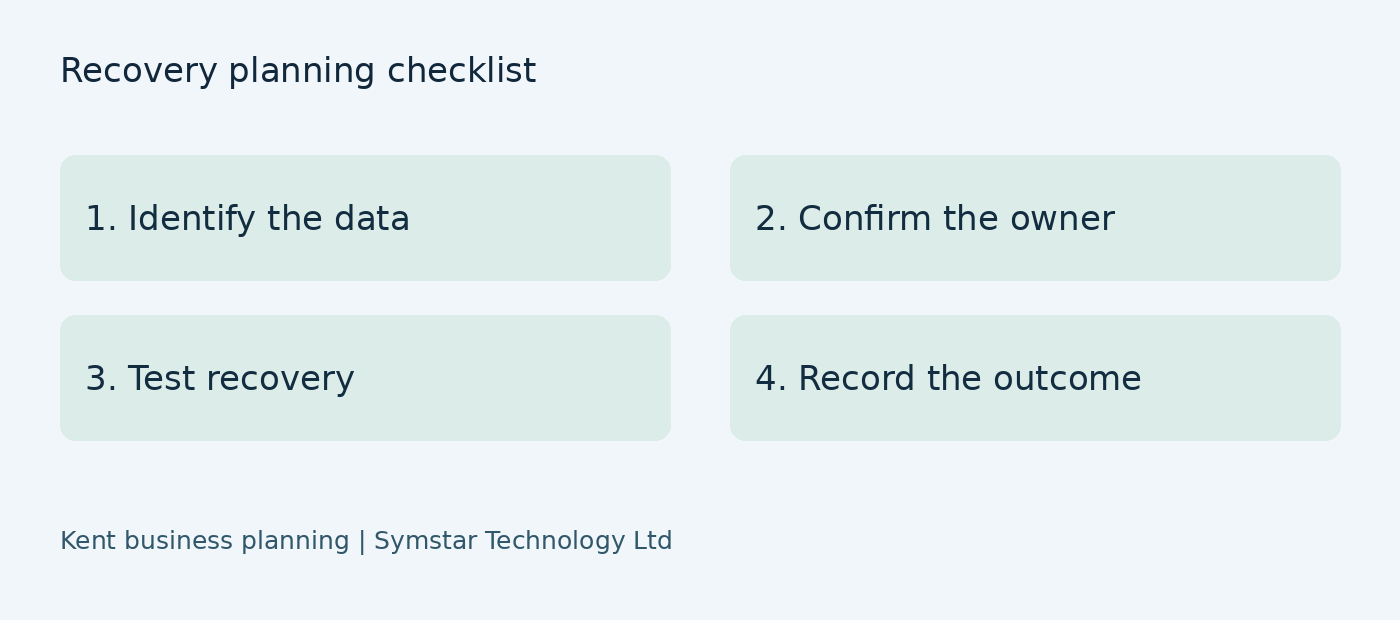
Define which activities must restart first after an outage and how long you could reasonably operate without each system. Use that information to discuss backups and recovery priorities. Protecting every system in exactly the same way may not be appropriate.
Ask how backup failures are monitored, what restores are tested and who authorises a recovery. Include cloud-held records where relevant. Keep recovery instructions accessible through an agreed route if your main office systems are unavailable.
7. Compare like-for-like contract costs
Use the same inventory and requirements for every quotation. Ask about onboarding, user-based charges, device-based charges, licences and project work. Request clarity on tax treatment and whether quoted amounts include or exclude VAT.
Review minimum terms, notice periods and changes to pricing as your team grows. An understandable quote should distinguish recurring services from one-off work and explain where additional approval is needed.
8. Plan a controlled provider handover
If you are changing providers, make a handover list before cancelling the existing arrangement. Include subscriptions, domains, administrator access, asset records and current backup settings. Record the business owner of each service.
Ask the incoming provider how it checks access and continuity before making changes. Agree a timetable and a way to track outstanding items. A staged transition can reduce disruption, particularly when staff rely on several specialist systems.
9. Request a useful improvement plan
Ask for recommendations ordered by business impact, urgency and expected cost. A plan should explain which issues need prompt attention and which can wait for a scheduled refresh. Reports should help you make decisions rather than simply list technical alerts.
For managed IT support enquiries in Kent, Symstar Technology Ltd can discuss your current setup, workplace locations and planned changes. Share your priorities so the proposed scope reflects your operation, with onsite arrangements and service commitments confirmed before agreement.
Plan support around your workplaces
Your support agreement should reflect the actual places where work happens. Prepare a location list with addresses, working hours, key contacts and the equipment at each site. Include home workers and shared premises. A provider needs this information to explain where remote assistance is appropriate and how any physical attendance will be arranged.
Identify responsibilities at rented or shared premises. The landlord or building operator may control cabling, network equipment or the internet connection. Your support supplier may manage only your devices and accounts. Record these boundaries before an outage so the team knows who to contact and who can authorise changes to building infrastructure.
For each location, list the services that matter most to daily operations. A sales office may depend on phones and customer records; a workshop may rely on scheduling software and access to supplier information. Agreements are easier to scope when the supplier can see what an interruption would prevent your staff from doing.
Do not treat the same service target as equally suitable for every workplace. Discuss operating hours, travel arrangements, availability of spare equipment and any access restrictions. Ask for these assumptions in writing. A clear location plan gives both your business and the provider a realistic starting point for incident handling.
Define responsibilities across suppliers
Create a short responsibility matrix with one row for each service. Record the business owner, support provider, specialist supplier and renewal contact where relevant. Include internet connectivity, telephone services, accounting software, cloud applications, endpoint protection and backup. This document does not need to be complicated; it needs to show who handles the next step.
Your provider should explain how supplier coordination fits the agreement. Ask whether they will collect diagnostic information, open a vendor case and keep your contact informed, or whether your business must perform some of those tasks. Clarify any limits on work involving software supplied by another company.
Add approval rules for changes that affect users, cost or access. A support team may recommend a new subscription or device, but the business should know who can approve it. Define a route for urgent decisions if the usual approver is absent. Record actions afterwards so emergency work does not leave undocumented configuration changes.
Review the matrix when you change a supplier or add a system. Support arrangements can drift if an old contact remains listed or a new application is introduced without anyone taking ownership. Keeping the document current helps prevent repeated calls and unnecessary delays during troubleshooting.
Agree how incidents will be communicated
An incident plan should begin with the information needed to report a problem. Ask staff to record the affected service, when the issue began, visible errors and whether other colleagues are affected. Explain where this report should go. Avoid requiring a long technical form before an employee can report that a business-critical system is unavailable.
Agree one business contact for incident updates and a deputy. Decide how updates will be delivered if email or the telephone service is affected. Keep the route documented and accessible. Multiple conflicting instructions from different managers can slow an incident response, so a clear decision point helps.
Discuss what staff can do while the issue is investigated. Any temporary workaround should preserve access controls and avoid creating competing copies of important information. If staff must work with approved local copies, agree how those will later be reconciled. Do not assume that restoring a system automatically resolves all work completed during an outage.
After the incident, ask for a brief account of the cause, actions taken and remaining recommendations. A useful incident review should turn significant interruptions into useful follow-up work. The review can identify changes to equipment, documentation or process that reduce the likelihood or impact of a repeat.
Build a realistic first-year budget
Build a comparison using recurring fees and known one-off work. List support, subscriptions, onboarding and any planned equipment replacement separately. Add likely onsite charges only where the quote makes them applicable. Keep assumptions visible so a supplier can correct misunderstandings before your business signs a contract.
Quotations should also explain how changes are priced. Ask what happens when a user joins, a device is added or a branch opens. If there is a minimum charge, understand what it covers. Record the notice needed for reducing services as well as increasing them; flexibility should be described clearly in the agreement.
Check whether project estimates include preparation, migration, testing and assistance after the change. A quote that covers only the main technical task may leave important follow-up work outside scope. Ask for deliverables that can be reviewed, such as working access for agreed users or a documented handover of configuration records.
Choose on value and suitability rather than price alone. Providers may offer different coverage and levels of involvement. Compare what your staff need, how responsibilities are handled and whether proposed improvements are realistic for your budget. Clear exclusions are useful because they let you plan for costs that otherwise arrive unexpectedly.
Set priorities for the first 90 days
The first phase should establish access and an accurate picture of the environment. Confirm owners, supplier contacts and essential records before making major changes. Review urgent gaps and agree which need immediate attention. Do not assume that documentation inherited from a previous provider reflects the current setup without checking it.
Onboarding can then address recurring operational problems. Review how staff log requests, how new starters are prepared and how routine changes receive approval. Prioritise work that makes everyday support more reliable. Keep the business informed about tasks that require staff involvement or a planned interruption.
Use the next phase to verify recovery and agree an improvement plan. Review backup coverage and arrange controlled testing appropriate to the systems involved. Separate confirmed findings from recommendations that still need investigation. Each proposed change should explain the business benefit, likely cost and any prerequisites.
End the onboarding period with a review of completed work and outstanding decisions. Managed IT support in Kent should provide a clear basis for ongoing management: current records, agreed reporting and named owners. Revisit the scope when the company changes its staffing, systems or workplaces so the support arrangement remains useful.
Example: two workplaces and home workers
Consider a hypothetical Kent business with two workplaces and several staff who work from home. One location uses a shared building connection and the other has a separately supplied internet service. The business records both suppliers, the devices at each site and the applications used across the team before comparing support agreements.
The proposal can then explain who investigates device faults, who coordinates with the connection suppliers and how onsite visits are arranged. This example is for planning and does not describe a verified Symstar customer result. It illustrates why a location inventory helps a provider give clearer commitments.
Example: an application fails during a busy period
A hypothetical business loses access to its scheduling application during a busy morning. Staff report when the problem began and whether it affects one location or both. The agreed business contact coordinates updates while the support provider investigates the relevant devices, connectivity or vendor service according to the support scope.
Incident arrangements should also cover what staff can safely do meanwhile. If there is an approved alternative process, use it and record work that will need reconciliation later. Following restoration, review the cause and outstanding actions so the same issue does not simply return to the background.
Information to have ready for a scoped quotation
Prepare user counts, device counts, workplace locations and your required working hours. List subscriptions and specialist applications. Identify the person who can authorise access, purchases and planned disruption. Give providers the same information so differences between quotes reflect their coverage rather than different assumptions about your business.
Ask for clarification whenever a quoted service is ambiguous. Request examples of included routine work and separately charged projects. Explain planned growth or changes so the supplier can describe how the agreement and recurring cost would change alongside your operation.
Turn recommendations into a short action list
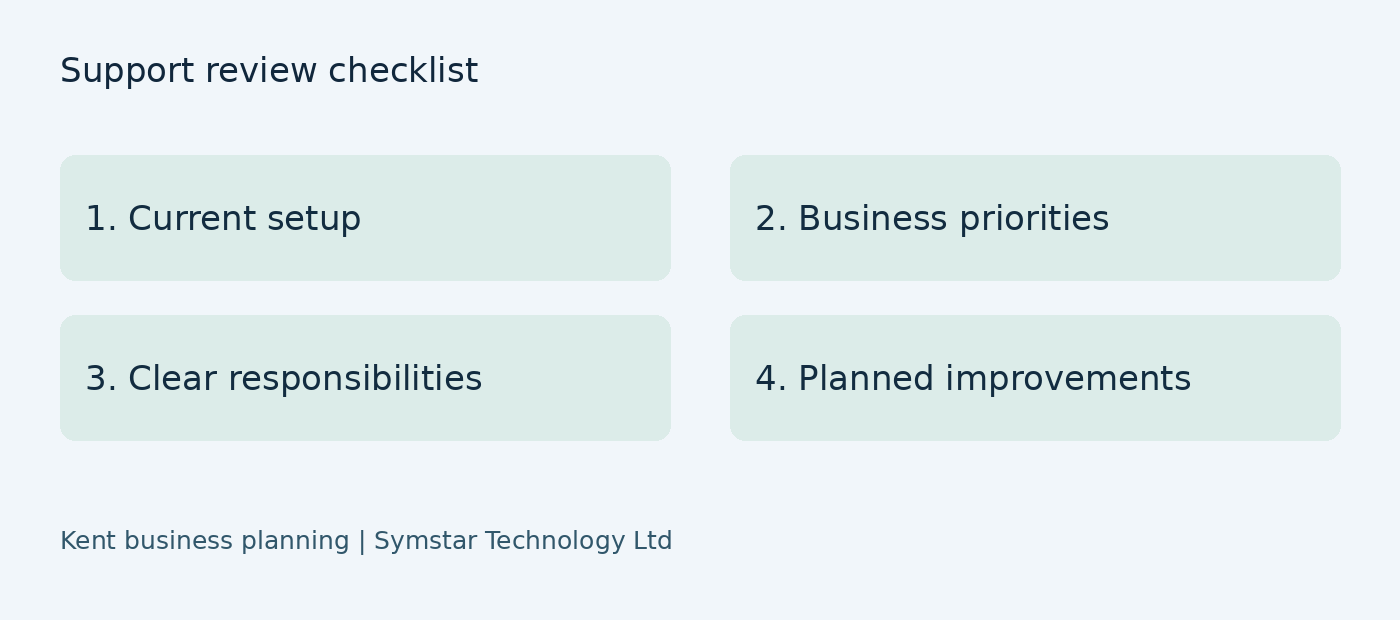
After a review, choose a manageable set of priorities and name a business owner for each. Record the reason, intended outcome and whether approval or additional work is needed. Keep deferred recommendations visible so they can be reconsidered at a future review, particularly after a staffing change or office move.
Your support reports should help you understand progress. Ask what has been completed, how it was checked and what remains open. Symstar Technology Ltd can discuss your current arrangements and requirements, with a suitable scope, responsibilities and any attendance commitments agreed before work begins.
Review the agreement as your operation changes
Do not rely indefinitely on the user and device count from the first quote. Tell the provider when equipment is replaced, a new application is introduced or another workplace opens. Review changes to supplier responsibilities at the same time. Small undocumented changes can accumulate into a support arrangement that no longer matches the actual environment.
Support planning works best when the business and supplier share current information. Confirm the next review date, keep key contacts up to date and record any changes to coverage in writing. This gives staff a clearer route to assistance and managers a more reliable basis for budgeting.
Frequently asked questions
How much does managed support cost?
It depends on users, devices, coverage, licences and the state of the existing environment. Request an itemised quotation based on your actual requirements.
Can support cover Kent offices and remote staff?
Discuss both groups during scoping. The provider should explain which services are remote and how any physical attendance will work.
How should I compare two providers?
Use the same inventory, service hours and recovery requirements, then compare responsibilities, exclusions, total cost and exit arrangements.
Discuss your business requirements
Explore our business IT support in Kent, cloud backup and disaster recovery and guide to comparing IT support costs, or contact Symstar Technology Ltd to discuss your requirements.
For further guidance, see the NCSC small business guide.
Related business IT guides
Compare the London startup IT support checklist and our Microsoft 365 support London and Kent guide. To discuss ongoing assistance, explore our IT support Kent service, including remote help and onsite visits by arrangement.