
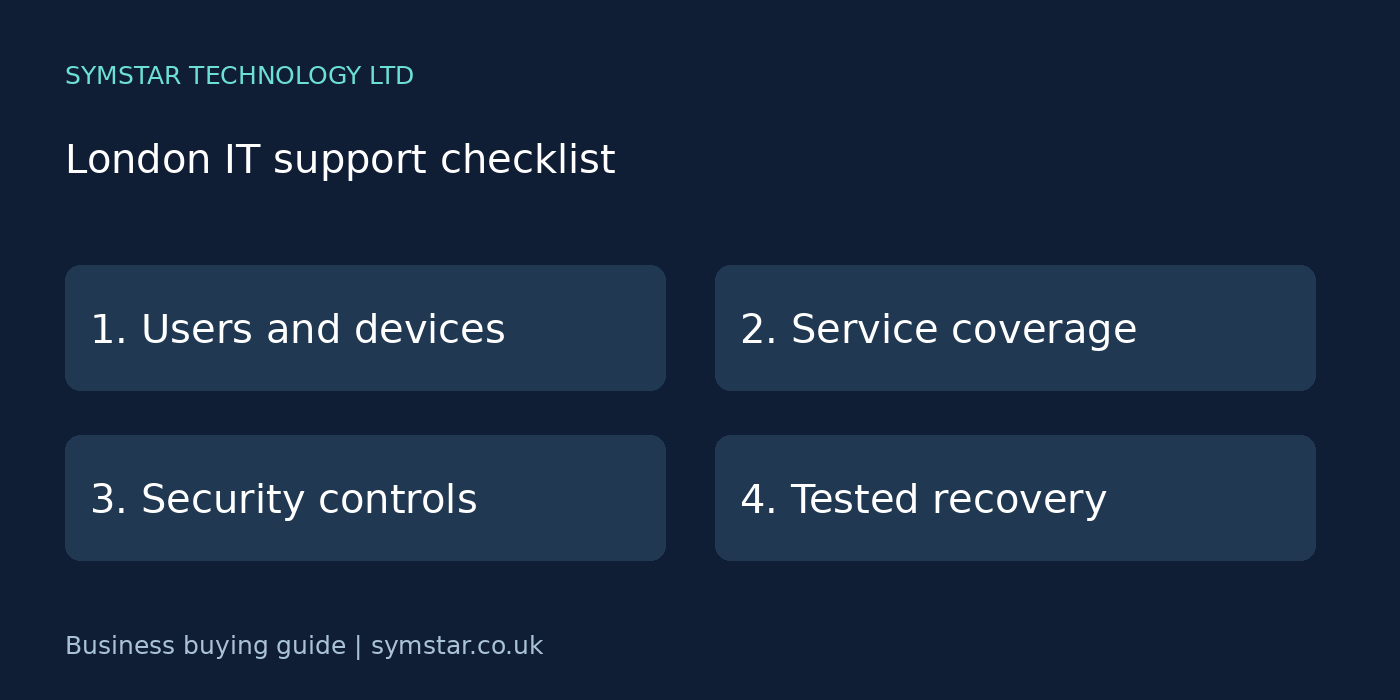
IT support for startups in London should begin with a clear plan for your first hires, shared accounts and future growth. Understanding what your team needs each working day helps you avoid buying tools twice. Email, shared files, laptops and internet access should support the business without becoming a constant source of interruptions. A clear support agreement helps you understand who owns each problem and what happens when something stops working.
Need help putting the checklist into practice? Explore our business IT support in London or discuss your startup’s requirements with Symstar Technology Ltd. We agree the scope, service hours and charges before work begins.
On this page
1. List the systems your business actually uses
Start with a practical inventory: staff accounts, company laptops, printers, internet connections, Microsoft 365 and the applications that handle your customer work. Include remote workers and any devices used outside the office. Identify which systems are essential to taking payments, answering enquiries or delivering services.
Record who supplies and manages each service. Your IT provider may support the laptop while a software vendor supports the application. Clear ownership prevents staff being passed between suppliers when a fault crosses those boundaries.
2. Compare service coverage for your startup
Ask what the monthly agreement includes and which work needs a separate quotation. Routine troubleshooting, account administration and device monitoring may be covered differently from office moves, migrations and new equipment. Request examples using the tasks your team regularly needs.
Check the agreed support hours, how staff log requests and how urgent incidents are escalated. A response target describes when someone starts handling an issue; it does not automatically promise a complete fix within that time.
3. Confirm arrangements for London office visits
Remote support can resolve many account, email and software issues. Physical faults with cabling, equipment or an office network may need a visit. Ask which locations are covered, whether travel is chargeable and how appointments are arranged.
For teams working across several London offices, explain the addresses and normal opening hours before comparing quotations. Do not assume that a local marketing claim means immediate attendance everywhere in the city.
4. Put account security into the agreement
Make sure account access receives as much attention as broken computers. Discuss multifactor authentication, separate administrator accounts and a clear process for authorising access changes. The right controls depend on your environment and the licences available.
Agree who approves new starters, changes of role and leavers. Removing an account without preserving required business records can create another problem, so offboarding should address access, data ownership and retention together.
5. Ask how updates and device health are managed
Find out who checks supported operating systems, security updates and endpoint protection. Ask how failed updates or missing protection are reported and followed up. A dashboard is useful only when someone takes responsibility for investigating its warnings.
Include older laptops and devices that are rarely in the office. If equipment can no longer run supported software, request a phased replacement plan with priorities and costs rather than waiting for a serious failure.
6. Require a clear backup and restore plan
Identify the information that must be recoverable: customer documents, accounts, shared folders and other business records. Ask what is backed up, how frequently backups run and how long previous versions are retained. Synchronising a folder is a different function from maintaining a recoverable backup.
A useful agreement explains who monitors failures and how restores are tested. Ask for a recent example of the testing process and confirm whether the recovery arrangement covers the services your business actually uses.
7. Compare the total cost of support
Compare quotations using the same user count, device count and scope. Check onboarding, licences, out-of-hours assistance, onsite visits and project work. A lower headline fee may cover fewer tasks, so look at the likely total rather than the first line of the quote.
Ask about minimum terms, cancellation notice and annual price reviews. Record what happens if your business adds staff or opens another office. A transparent agreement makes growth easier to budget for.
8. Protect access to your own systems
Your business should know who controls its domain, subscriptions, administrator access and important documentation. Ask how these will be handed over if you change providers. Keep an authorised business contact involved in approving major changes.
Agree a safe handover process covering passwords, configuration records, backup arrangements and open incidents. Store privileged credentials securely; avoid sharing them through ordinary group email or personal messaging accounts.
9. Choose useful reporting and a practical next step
Request reports that explain open problems, repeated incidents and recommended improvements in plain language. A useful review links technical work to business impact: fewer interruptions, better recovery arrangements or safer account access.
Finish your initial comparison with a short discovery conversation. Share your inventory, your main frustrations and any planned changes. Symstar Technology Ltd can discuss your requirements and help define an appropriate scope before you commit.
Your startup’s first month: a practical plan
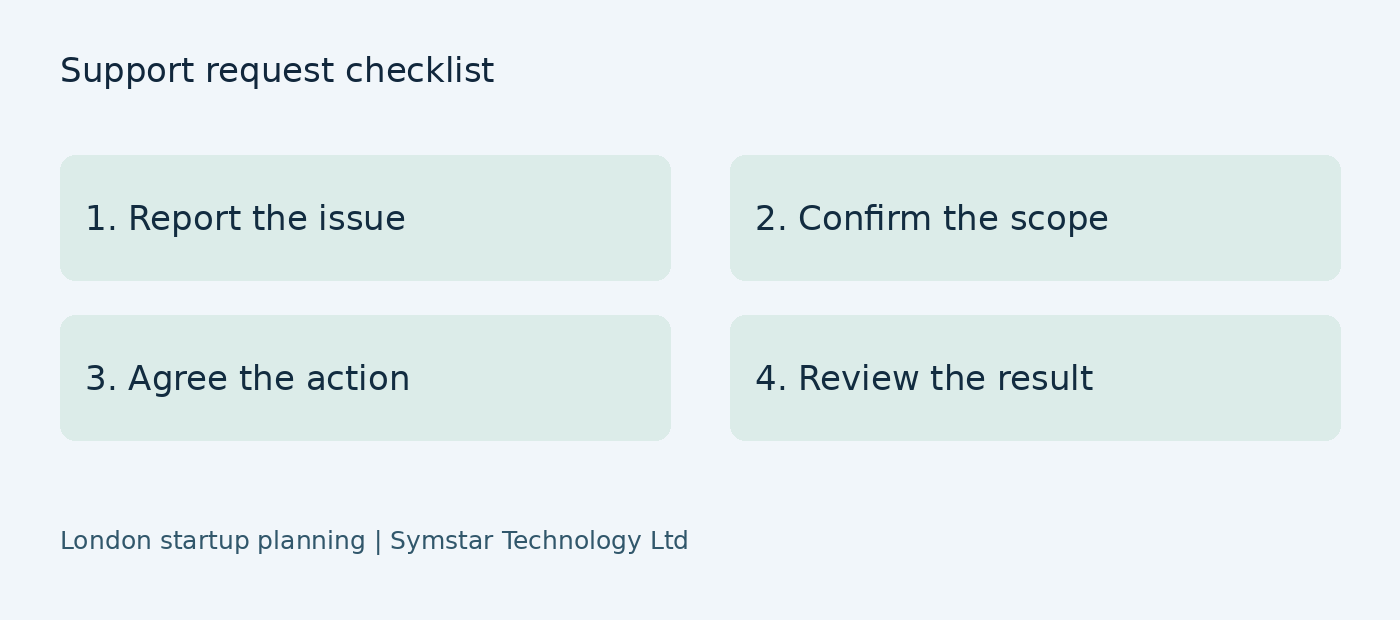
Start your first month with clear ownership and priorities. During the first week, write down the systems needed to deliver your product or service. Separate company-owned accounts from accounts created by individual founders. Include your website domain, payment tools, business email, customer platform and code or document repositories where relevant. Name a business owner for each service, even if an external supplier performs the administration.
In the second week, review the way new staff receive access. Decide which permissions a typical role needs and which require additional approval. Prepare a starter checklist that can be reused when the team grows. Record the laptop, software and account tasks separately so a new recruit does not arrive with an email account but no working device. Include a short introduction to reporting problems and recognising suspicious messages.
Use the third week to check recovery arrangements. Pick a representative business document and agree a controlled restore test with the responsible administrator. Check that the recovered copy is usable, record the outcome and note any limitations. Avoid testing by deleting your only working copy. Ask how failures will be reported and who can authorise recovery when the usual founder is unavailable.
Finish the month by reviewing outstanding issues and the next expected hires. Record what was completed, what needs a decision and what can wait. Your support arrangement should fit the company’s stage: a clear foundation now, followed by planned improvements as staff, customers and requirements grow.
Build a starter kit that can grow with the business
A starter kit is a documented minimum working setup, not simply a shopping list. Describe the laptop specification, required applications, account access and support contact for each role. If a designer, salesperson and administrator need different tools, make those differences explicit. A standard setup reduces repeated decisions and makes replacement equipment easier to prepare when a device is lost or fails.
Discuss personal devices before staff use them for business work. Some founders begin with equipment they already own. Decide which business information may be accessed on it, what protection is required and how access will be removed later. Discuss workable boundaries before staff mix company records with personal storage accounts. The right arrangement depends on your work and should be documented.
Create a simple record for each device: assigned user, purchase date, support status and essential software. Do not include passwords in the asset list. Keep a separate, secure method for managing credentials. Update the record when equipment is reassigned or retired so the company knows which devices can still reach its information.
When comparing providers, ask how they would prepare the next three hires. Request a realistic sequence of approval, procurement, configuration and handover. This reveals whether onboarding is repeatable and whether the founder remains responsible for any tasks. Confirm lead times rather than assuming that every new laptop can be supplied immediately.
A simple quote brief you can send to providers
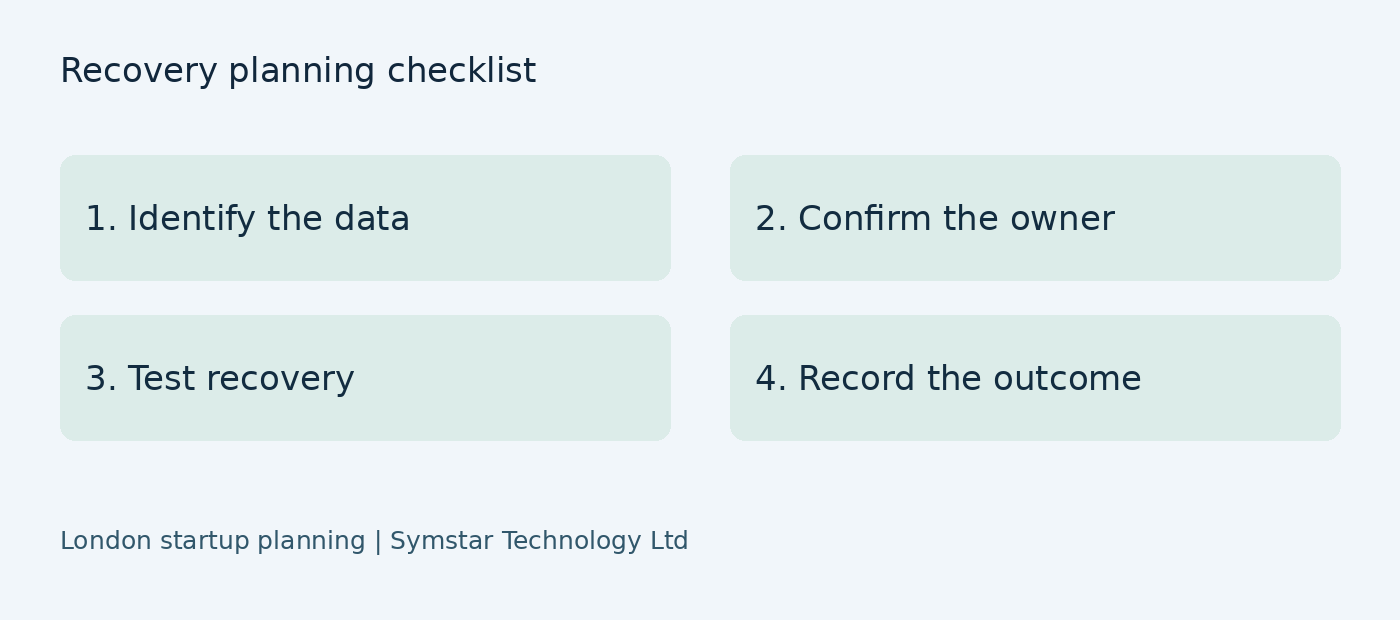
Write one brief and send the same version to each provider. Start with the number of current staff, the likely number in six months and the locations from which they work. List the main applications and identify any that are essential to serving customers. Include existing subscription renewal dates where they may affect a proposed migration or handover.
Explain the problems you want to solve using concrete examples. Instead of saying that IT is slow, describe a recurring delay: a recruit waiting for access, files shared through personal accounts or a laptop problem that interrupts a customer meeting. Quotations become more useful when the supplier can connect its work to an observable business need.
Ask providers to distinguish recurring services, one-off setup and optional projects. Request the assumptions behind the quote, including user counts, device counts and service hours. Include a question about what changes when the business hires another employee. This helps you compare a realistic first-year commitment without relying on a headline monthly number.
End the brief by asking for responsibilities and exclusions in plain language. Your chosen provider should explain what the business must still approve or maintain itself. A supplier can help administer services, but decisions about who should access company information need an authorised business owner.
Working from shared offices and home
A startup may begin in a coworking space and add home workers before leasing a dedicated office. Explain this mix when agreeing support. Establish who manages the shared premises network and what your provider can troubleshoot. The coworking operator may control the internet service and local infrastructure, while your supplier manages accounts and company devices.
Plan how the team will keep working if its usual location becomes unavailable. Identify which roles can move to another approved workplace and which depend on physical equipment. Keep a support contact and incident reporting route available outside the main office. Confirm how staff can obtain updates without relying on the service that is currently failing.
For home workers, agree a way to separate device problems from connection problems. Record whether an issue affects one user or the whole team and whether an alternative approved connection changes the symptom. Avoid asking staff to change security controls simply to make a connection work. A support engineer can guide a structured investigation.
Review arrangements whenever the startup changes premises or its working pattern. A five-person startup may need a different arrangement from a team of twenty. Discuss networking, equipment, access and migration tasks before signing a new office lease or announcing a move.
How to judge whether support is improving
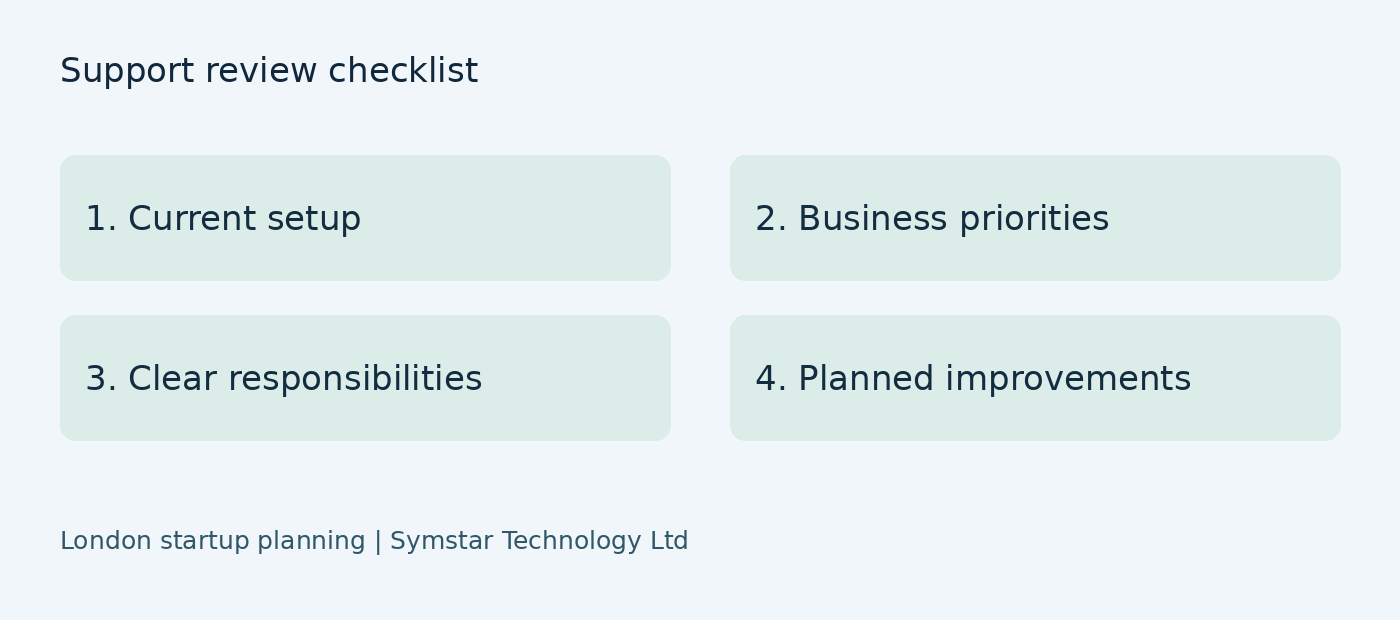
Choose a small number of measures that reflect staff experience. Track recurring issues, unfinished requests and the time new recruits wait for essential access. Compare similar periods and note changes in staffing or systems so the figures have context. A quieter month alone does not prove that every risk has been addressed.
A useful support service also makes technology decisions easier. Ask whether you now know who owns each system, what a routine request includes and how an urgent incident is handled. These operational improvements matter even when there has been no major outage. They reduce uncertainty and support a more controlled expansion.
Use regular reviews to agree the next few actions rather than building an endless technical wish list. For each action, record the business reason, responsible person, approval needed and intended completion date. If a recommendation is deferred, document the reason and revisit it when circumstances change.
Keep the review proportional to the size of the company. Ask for understandable information and practical next steps. Start with the basics that enable staff to work, protect account access and support recovery, then consider more advanced requirements as the operation develops.
Example: preparing the first employee
Consider a hypothetical London startup hiring its first employee. The founder has been using a personal laptop and several accounts created at different times. Before the recruit starts, the company lists the tools needed for the role, confirms business ownership of subscriptions and approves the access required. The support provider prepares the device and explains how the recruit can request help.
The result should be a reviewed working setup, with account ownership and equipment recorded. This is an illustrative planning example, not a Symstar client case study or a promised result. It shows why agreeing tasks and approvals beforehand can be more useful than buying equipment without an onboarding plan.
Example: moving from a shared office
A hypothetical team outgrows its coworking space and plans a dedicated office. It lists devices, meeting requirements and the applications staff must access. The company checks the new premises internet arrangements and asks which physical network tasks need a separate project. The provider can then discuss dependencies, preparation and a suitable change window.
Agree an acceptance checklist for the office move. Check representative devices, access to shared records and communication tools. Keep an incident reporting route available during the transition and record outstanding tasks rather than assuming that a working internet connection completes the whole move.
Questions to settle before a discovery call
Prepare your current staff count, expected hires, equipment list and the business services that cannot easily be interrupted. Explain any planned office move or subscription renewal. Decide who can authorise changes and who will receive progress updates. These details help a supplier scope the conversation and identify which assumptions need to be checked.
Ask what information is still missing before requesting a final proposal. Each quotation should describe the basis of the estimate, the responsibilities being taken on and any excluded work. Keep the proposal for reference so future changes can be assessed against the original agreement.
Keep the technology plan tied to growth
Review the plan when the team changes, rather than waiting for a major fault. A new hire, new customer platform or change of premises may introduce additional access, licensing and support needs. Record the change early and discuss its effect on the scope before committing to a delivery date.
A clear support plan makes priorities understandable. Decide what is essential now, what can be scheduled and what requires more investigation. Symstar Technology Ltd can discuss that information with you and help define the next steps, with service commitments and costs confirmed through an agreed scope.
Frequently asked questions
Is remote IT support enough for a small business?
It may cover many day-to-day requests. Businesses with physical network or equipment requirements should also agree how onsite work will be arranged.
What information should I prepare for a quote?
Provide user and device counts, office locations, essential applications, current licences and the support hours you need.
Does a monthly support agreement include every project?
Coverage varies. Ask explicitly about migrations, new office setup and other planned projects before signing.
Discuss your business requirements
Explore our IT support service for London businesses, Microsoft 365 support and cloud backup and disaster recovery, or contact Symstar Technology Ltd to discuss your requirements.
For further guidance, see the NCSC small business guide.
Related business IT guides
For teams working across the South East, explore our managed IT support Kent checklist and Microsoft 365 support London and Kent guide. For ongoing assistance, see our business IT support service.
For an example of our work with a growing business, read how we helped MHC Group migrate to Microsoft 365 and modernise its IT. To prepare for a quotation, use our guide to comparing business IT support costs.